
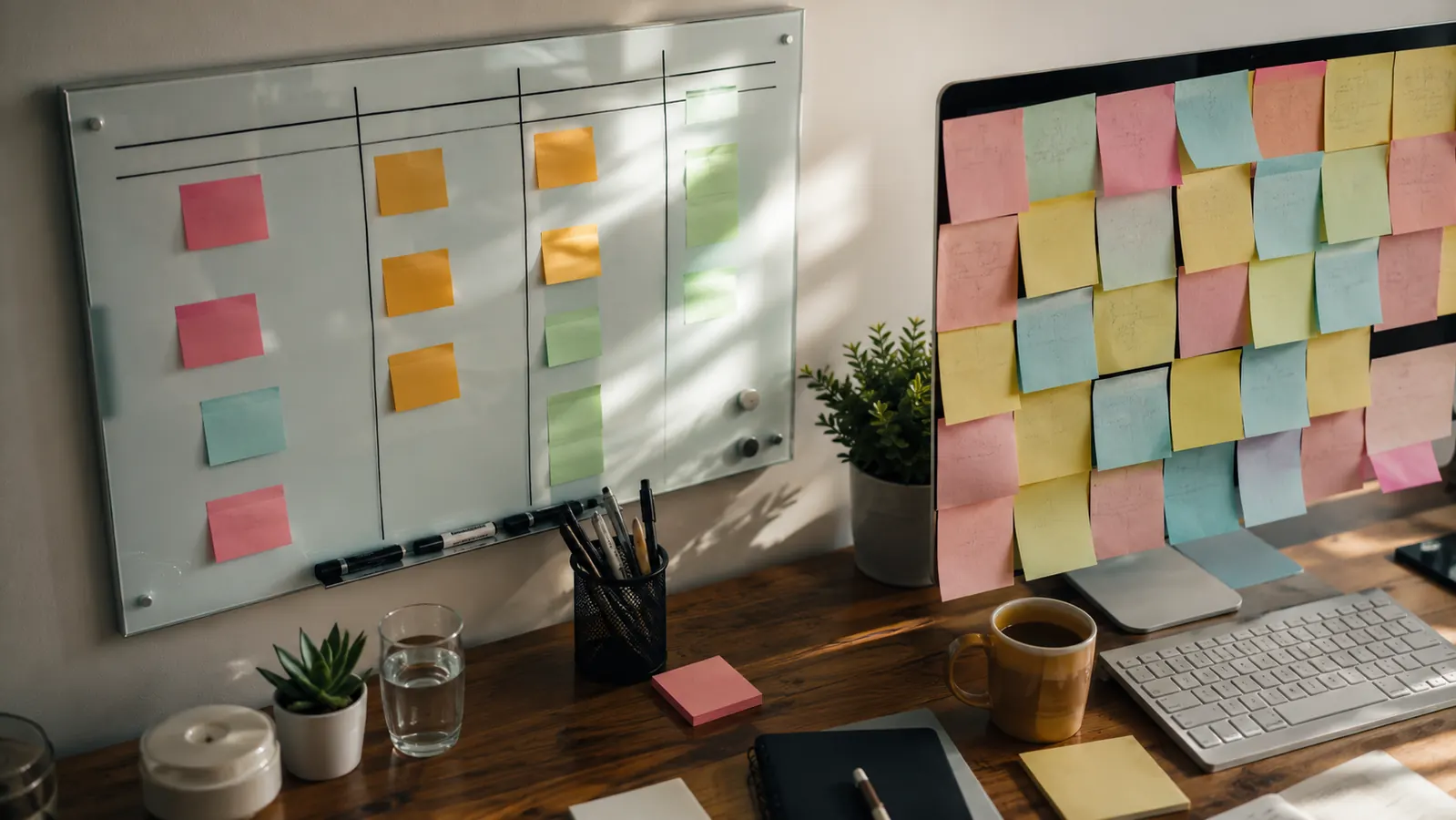
For the first two years of working from home, my desk looked like a ransom note. Sticky notes in three colors, half of them curling at the corners, overlapping in a way that meant I never actually knew which one was still current. When I finally mounted a Quartet glass desktop whiteboard above my keyboard tray, the change wasn't dramatic, it was just quiet. One clean surface, wiped down every Sunday night, holding exactly what mattered that week. I ran both systems side by side for six weeks before writing this, sticky notes on one side of my keyboard, the eighteen by six inch Quartet glass board propped against the monitor riser on the other, so I could actually compare how each one held up to a real week of deadlines, calls, and the kind of scattered to-do list anyone working from a spare bedroom knows too well.
The short version: if you write down more than two or three things a day, or you keep a running list that changes hour to hour, the glass whiteboard wins by a wide margin. Sticky notes still have a place, they're cheap, familiar, and fine for a single one-off reminder. But as a daily planning system, a stack of Post-it notes just can't compete with a surface you can erase and rewrite hundreds of times without buying a replacement pack. Here's how they actually stack up, spec by spec.
To make this a fair test, I didn't just eyeball it. Each morning for six weeks I wrote the same three categories, deadlines, calls, and open tasks, once on the sticky notes and once on the Quartet, then tracked how each one held up by the end of the day. I counted how many notes fell off or needed replacing, how long it took me to find the right note when someone called mid-morning, and whether the surface still looked usable by Friday. That's a small, informal test, but it's the same kind of real week most people working from a home office actually have, not a lab conditions experiment.
| What Matters | Quartet Glass Desktop Whiteboard | Sticky Notes |
|---|---|---|
| Daily Capacity | Full day of tasks fits on one 18 x 6 inch surface, organized in columns | One task per note, gets cluttered fast past 3-4 notes |
| Reusability | Wipes clean with a cloth, reusable indefinitely | Single use, thrown away or crumpled after each note |
| Visibility | One glance shows the whole day laid out in sections | Scattered notes require hunting for the current one |
| Stability | Sits flat against the monitor stand, nothing to peel or fall | Adhesive weakens in warm rooms, notes peel and drop off by afternoon |
| Portability | Stays at the desk, not built to travel with you | Sticks to almost anything, travels room to room easily |
| Desk Appearance | Clean glass surface reads as organized, even on video calls | Can look cluttered once several notes stack up |
| Cost Over Time | One purchase, no ongoing replacement needed | Requires buying new pads on a regular basis |
Where the Quartet Glass Whiteboard Wins
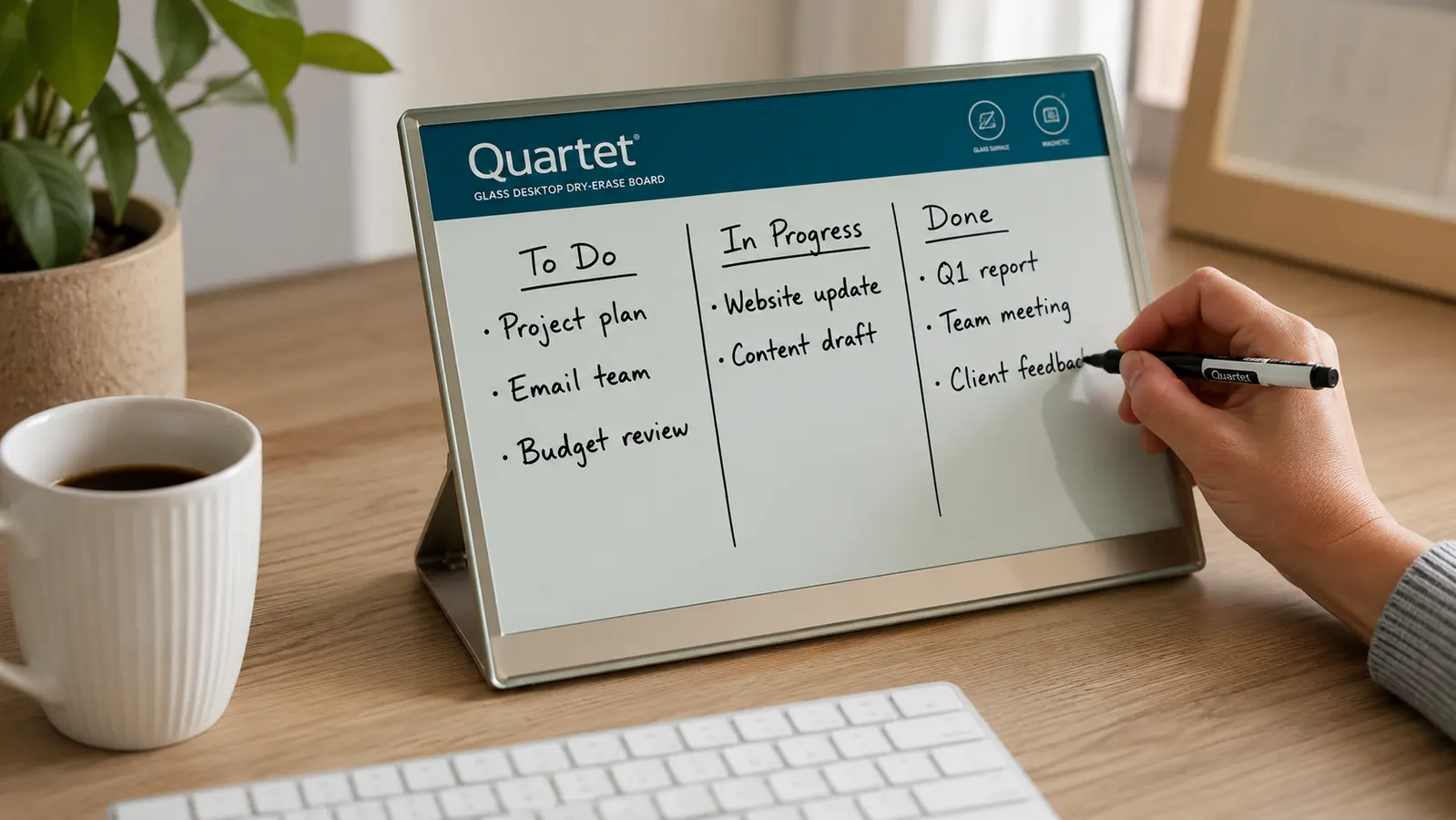
The single biggest difference I noticed in six weeks was visibility. A sticky note is roughly three inches square, and once you've got four or five stuck to your monitor bezel, your eye has to hunt for the one that matters. The Quartet glass board is eighteen inches wide, which is enough room to write out a real day, not just a fragment of one. I started using the left third for hard deadlines, the middle for calls, and the right side for the running list of things I'd get to if there was time. That kind of layout is impossible with individual notes unless you're constantly rearranging them, and half of mine ended up on the floor behind the desk within a week anyway.
The other thing that won me over was how the Quartet handles being wrong. When I wrote a due date down incorrectly on a sticky note, I had to peel it off, crumple it, and write a new one, which meant a small pile of crumpled paper by the end of most weeks. On the glass board, a swipe with a microfiber cloth and it's gone. No residue, no ghosting, even after six weeks of daily use. The glass surface is also genuinely easy on the eyes since it isn't glossy the way some plastic dry erase boards get, so writing on it under a desk lamp at night doesn't throw glare back at me the way my old whiteboard used to.
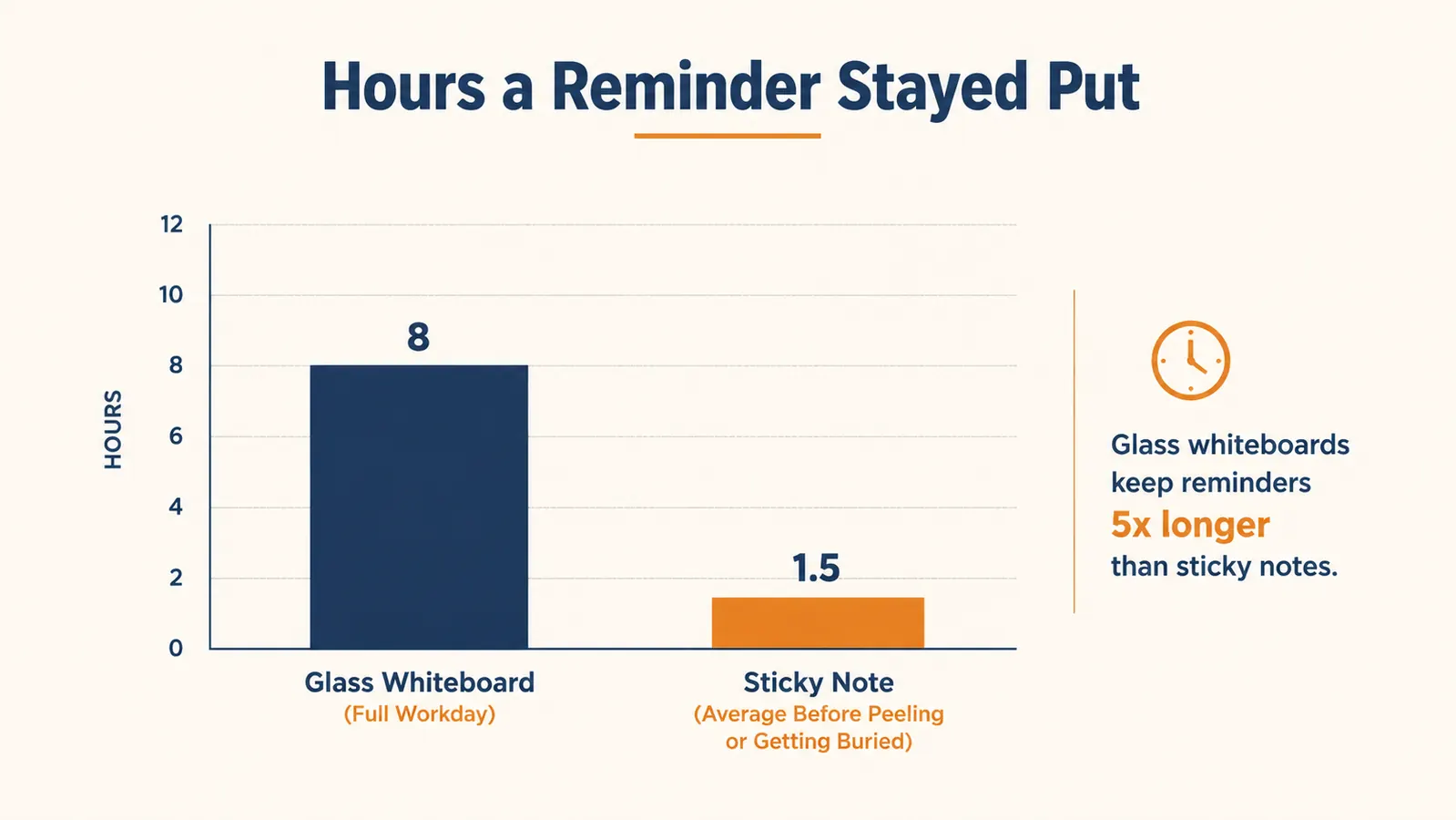
There's also a durability angle that surprised me. Sticky note adhesive weakens in warm rooms, and my home office runs warm in the afternoon because of the window it faces. By hour three or four, notes I'd stuck up at nine in the morning had started to peel at the corner and eventually drop off the monitor onto the desk or the floor. The Quartet doesn't have that problem because nothing is stuck to anything. It just sits there flat, exactly where I left it, whether it's nine in the morning or four in the afternoon and the room has warmed up ten degrees.
Writing on the Quartet also just feels better day to day. The glass surface takes a standard dry erase marker cleanly, no skipping, no faded patches the way an older plastic whiteboard sometimes gets after a few months. It comes with a marker and a small storage tray built into the frame, so I'm not hunting through a drawer for a marker that's dried out, which used to happen constantly with the whiteboard I had propped in the corner of my old office. Small thing, but it's one less reason to skip planning my day on a busy morning.
It's also worth saying the Quartet isn't some no-name gadget I got lucky with. It's one of the higher-rated glass desktop boards on Amazon, sitting close to a perfect score across nearly ten thousand reviews, which matched what I found after six weeks of daily use, no cracking, no fading, no complaints beyond needing to occasionally replace the marker. That kind of track record mattered to me, because I've bought organization products before that looked good in photos and fell apart in a month, and I didn't want to recommend something I hadn't actually tested past the honeymoon period.
Where Sticky Notes Win
I want to be fair here, because sticky notes do some things better. They're portable in a way a glass board isn't. If I need a reminder to walk with me from my desk to the kitchen, a note stuck to my water bottle does that instantly, and no whiteboard can. They're also faster for a genuinely single-use reminder, something you'll look at once and throw away, like a phone number someone gave you on a call that you need to type into your contacts in the next ten minutes. Writing that on the Quartet and erasing it a minute later feels like overkill.
Sticky notes also win on flexibility of placement. You can stick one to a monitor, a door, a coworker's laptop, a mirror, anywhere with a flat surface. A glass desktop whiteboard stays where you put it. If your work moves around your house the way mine sometimes does, from the desk to the kitchen table to the porch on a nice afternoon, a small pad of sticky notes travels in a way the Quartet simply can't. That portability is real, and for some people it matters more than a clean, erasable surface does.
Cost and familiarity matter too, and I won't pretend they don't. Everyone already knows how to use a sticky note, there's no learning curve, no mounting it against a monitor stand, no deciding where it goes on your desk. If you're on a tight budget this month or you're not sure you'll stick with a planning system at all, starting with the pad you probably already have in a drawer is a perfectly reasonable place to begin.
Tired of Hunting for the Right Sticky Note?
The Quartet glass desktop whiteboard gives you one clean surface for the whole day, no peeling, no hunting through overlapping notes, no pile of crumpled paper by Friday afternoon.
Amazon Check Today's Price on Amazon →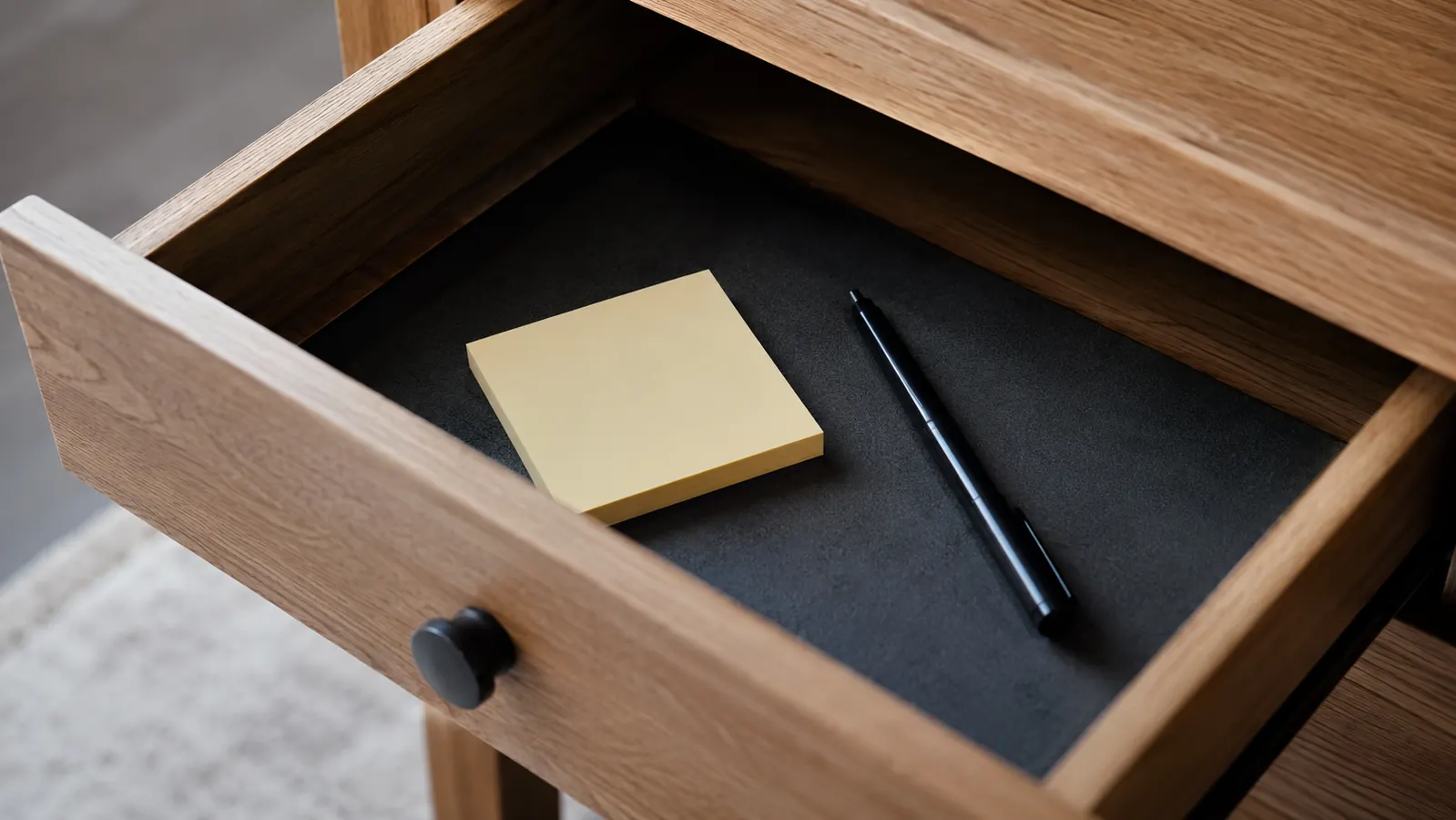
Who Should Buy Which
If your day involves more than a couple of tasks, if you're juggling calls, deadlines, and a to-do list that shifts by Wednesday afternoon, the Quartet glass desktop whiteboard is worth the switch. It's especially good for anyone newer to working from home who's still figuring out a rhythm, because it forces you to look at your whole day in one glance instead of hunting through a cluster of small paper squares. I'd also recommend it if you've ever been a little embarrassed by what your desk looks like on a video call, since a clean glass surface reads as organized in a way a wall of Post-it notes never quite does. My mother-in-law, who started working part-time from home last year answering calls for a small dental office, made the same switch after seeing mine on a visit, and told me she finally stopped losing track of which patient she'd already called back.
I'd add one more note for anyone newer to working from home, especially if you're doing this later in your career or you've been burned before by products that promised to fix your day and didn't. The Quartet isn't a productivity system, it's just a surface. It won't organize your week for you. What it does is make the plan you already have impossible to lose track of, which turned out to be most of the battle for me. There's no subscription, no app to learn, no accessories to buy beyond an extra marker eventually. You write on it, you erase it, and it sits there doing exactly what it's supposed to.
If, on the other hand, you genuinely only need one or two quick reminders a day, or you move between rooms constantly and need something that travels with you, keep the sticky notes around for that specific job. There's no rule that says you can't use both. I still keep a small pad in my desk drawer for the one-off reminder that doesn't belong on the weekly board. But for the actual daily planning that used to eat ten minutes of my morning just finding the right note, the Quartet glass whiteboard is what stayed on my desk after six weeks, and the sticky notes are the ones that went back in the drawer.
See Why the Quartet Stayed on My Desk
After six weeks of testing both side by side, the sticky notes went back in the drawer for good. If your to-do list changes by the hour, the glass whiteboard is worth a look.
Amazon Check Today's Price on Amazon →